

Squadline
website (opens in a new tab)Stay close to team life.
Explore team-management tools for coaches, players, and families.
Visit Squadline (opens in a new tab)For the people who run youth sports.
Bring registration, payments, rosters, and schedules together in one connected workspace for your club, staff, and families.






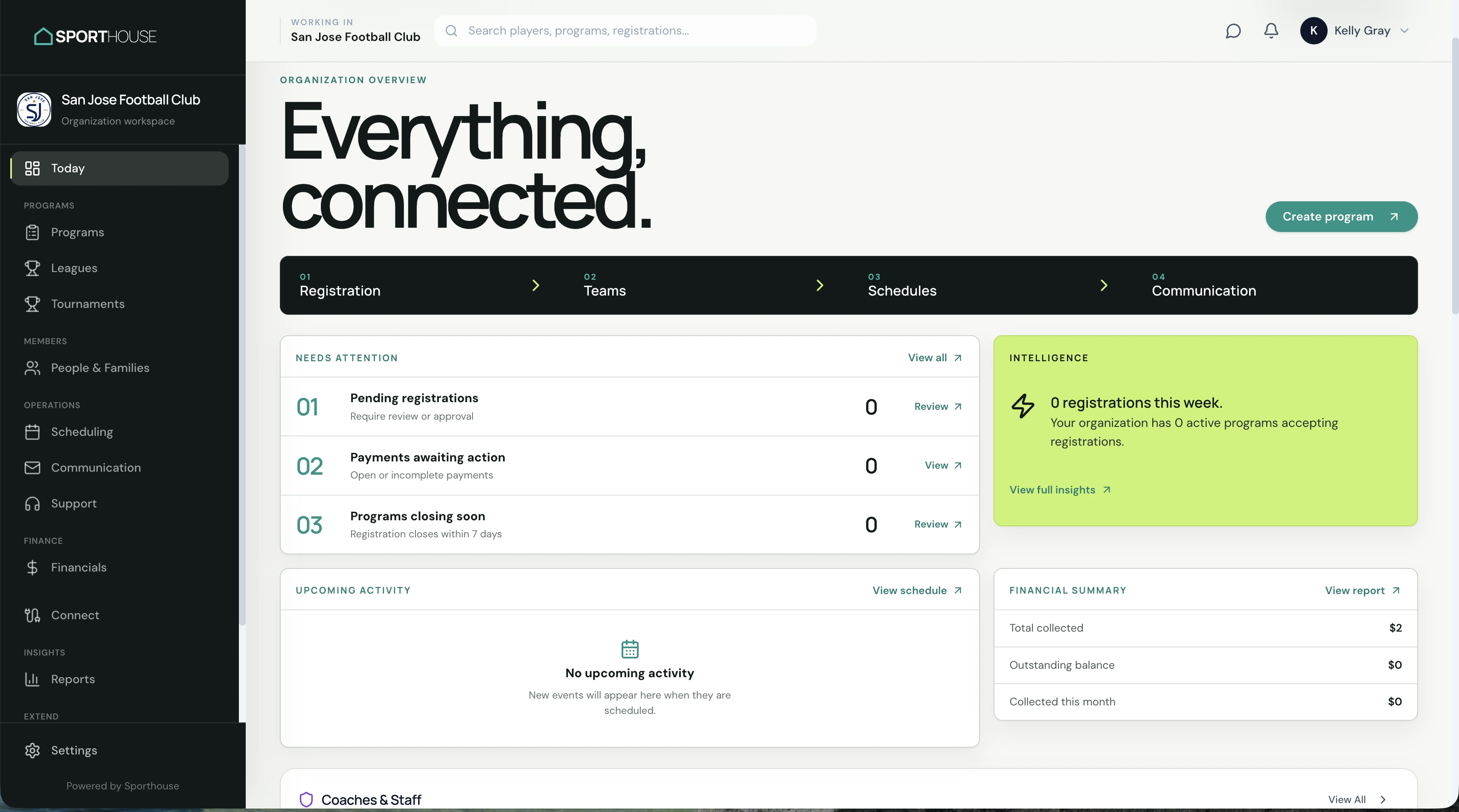
A season starts long before the first whistle. Keep the details connected as families register, teams take shape, and schedules fill up.
Make joining your club straightforward.
Give families a clear place to register, share player information, and complete waivers.
Know where every registration stands.
Keep payment records connected to registrations, with balances visible to the people managing your club.
Bring the right people together.
Organize players into teams and connect coaches and managers with the groups they support.
Keep the next session in view.
Bring teams, practices, games, and facilities into the same operational picture.
Club life involves more than one administrator. Keep the people and information behind each program connected as the season moves forward.
See registration activity, balances, and upcoming events in context.
Keep team information and schedules close to the work you do.
Follow a clear path through registration and payment.
“It feels like Sporthouse was actually built by people who understand youth sports.”
The biggest difference is how intuitive everything is. From building programs and managing teams to communicating with parents and tracking payments, Sporthouse gives us the tools we need without making things complicated.
Create your Sporthouse account to begin bringing your club into one connected workspace.
Organization approval is required before workspace setup.
Choose the organization signup option and enter your account details.
Provide the information needed to apply for an organization workspace.
Once your organization is approved, continue setting up your club in Sporthouse.
Explore Squadline for team management and WSTL Officiating for the officiating side of the game.
Stay close to team life.
Explore team-management tools for coaches, players, and families.
Visit Squadline (opens in a new tab)
Support the officiating side of the game.
Explore officiating tools for officials and competition organizers.
Visit WSTL Officiating (opens in a new tab)Sporthouse brings core club workflows together for youth sports owners, administrators, staff, and families.
Registration, payments, rosters, and schedules sit at the center of the Sporthouse club experience.
Yes. Explore the demo to take a closer look at the platform before creating your account.
Create your account and submit your organization details. After approval, continue with workspace setup.
Put the work behind the game in one connected place.